

I'm sure there are many cat owners whose phone's camera roll is filled with pictures of their beloved cats.
The camera on your smartphone is convenient for preserving precious memories with your cat, whether it's of them playing enthusiastically, sleeping in a strange position, or getting into mischief.
However, no matter how many photos you take, there are often complaints like, "I can't seem to capture my cat's cuteness well," or "They're actually much cuter than this." But just knowing a few "tips" can help you take adorable photos.
There are a total of seven tips for taking cute photos of your cat with your smartphone. No difficult techniques are required. These are all things you can do right away, so let's try taking some cute photos of your beloved cat!
Tip 1: Tidy up the room before shooting

To take beautiful photos of your cat, aim for a simple background. Clear away any obstructing items to avoid a cluttered atmosphere. Even just draping a cloth over the sofa can dramatically change the mood.
Also, shoot in as bright a room as possible. No flash, and natural light will help you take better pictures.
Tip 2: Wipe your smartphone's camera lens before shooting

Your smartphone's camera lens is surprisingly dirty. Hand grease and dust can cause your photos to be blurry or out of focus.
When taking pictures of your cat, wipe the lens with a glasses cloth or something similar. It's a small thing, but it will help you take clearer photos.
Tip 3: Focus on the face

When taking photos with your smartphone, you can tap the screen to specify where to focus. The camera automatically adjusts brightness and other settings, which alone will help you take good photos.
Aiming slightly above the eyes will capture your cat's face beautifully. It might be difficult if your cat moves, but give it a try.
Tip 4: Get down to your cat's eye level as much as possible, and skillfully encourage them to look at the camera

When taking pictures of your cat, the trick is to get down to their eye level and shoot from as low an angle as possible. Hold your smartphone upside down, with the camera at the bottom, to capture a fluffy-looking photo.
If you want them to look at the camera, try using a toy. Use a noisy toy or their favorite toy to get their attention and guide their gaze to the camera. Long photo sessions can tire your cat, so try to keep it to about 10 minutes.
Tip 5: Good expressions are determined by the "ears"

Cats communicate their emotions using their "ears." Therefore, to capture good expressions from your cat, pay attention to the expression of their ears.
For example, if their ears are flat and pointed sideways like an "airplane ear," it's a sign that your cat is irritated. They are often displaying a disgruntled expression or an unhappy attitude, so it's not a good idea to force a photo at that time.
If their ears are bent backward or flattened, they might be scared by the sound of your smartphone or camera's shutter.
To take cute pictures of your cat, it's best when their ears are standing straight up. Their mood is calm and their expression is settled, so try taking pictures while gently talking to them and having fun.
Tip 6: Use your smartphone's burst mode

It's very difficult to photograph a cat that's constantly moving. If you miss a photo opportunity, you might end up with a cut-off face or only a shot of their back.
To prevent such failed photos, your smartphone's burst mode is recommended. You can take several photos in quick succession, allowing you to choose the best expression later.
Tip 7: Make them even cuter with the "Toru Neko" camera app

With a camera app specifically designed for taking cute photos of cats, you can capture your beloved feline more easily and skillfully.
We recommend "Toru Neko." It's packed with "shooting features to capture the best shot" and "editing features to make them look adorable," so even beginners can capture their cat's cuteness as it is.
The difference from the standard camera is its ability to capture the best shot. It saves a little before and after the shot, so you won't miss the best expressions. During shooting, it attracts the cat's attention with a "meow" sound, making it easy to get them to look at the camera.
Focus and exposure are automatically adjusted, but you can fine-tune them by tapping the screen. It's also great that you can easily take photos with a blurred background.

Currently, "Toru Neko" seems to be exclusively for iPhone. You can download it for free from the App Store, so please give it a try.
Summary

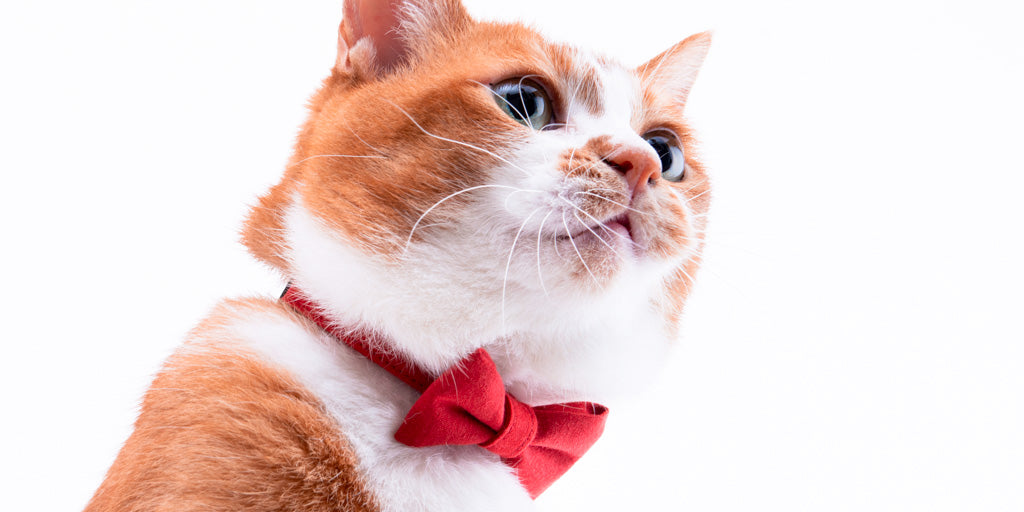
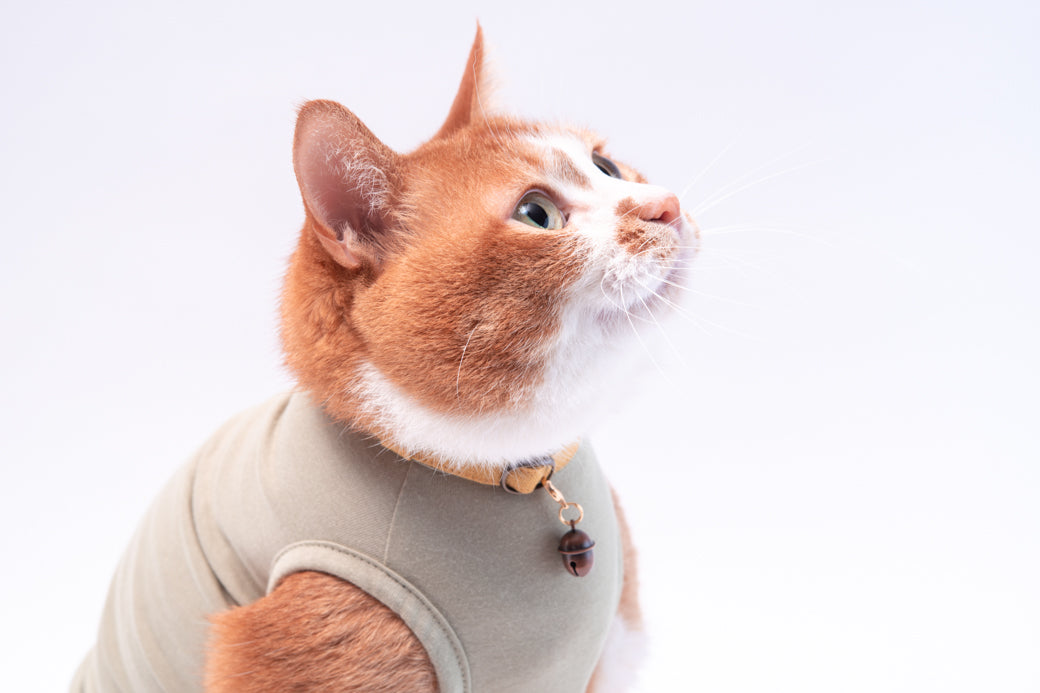
Don't you think Cha-chan, the Poponeko model cat, has such a lovely expression?
Actually, the photographer is Cha-chan's owner, Mr. Fujimoto of Fujimoto Pet Portrait Photography.
The reason Cha-chan is photographed so cutely is not because her owner is a professional photographer, nor is it because Cha-chan has been trained.
I believe that the ability to capture a cat's natural expressions comes from the strong bond of trust with their owner. I truly felt this when I saw Mr. Fujimoto and Cha-chan's photoshoot.
Mr. Fujimoto, who is full of love for cats, offers on-location photography specializing in cats. If you want to have a professional photographer capture your beloved cat in the comfort of your own home, please feel free to inquire.
While taking pictures of cats is fun, taking pictures with your cat is also wonderful.
|
【Related articles】 |
Author Profile


![Poponeko Selected as Furusato Nozei Gift [Toride City, Ibaraki Prefecture]](http://www.poponeko.jp/cdn/shop/articles/010f7540ce751ae3bb42785d6423e019.jpg?height=400&v=1765802143)

![[Written by a Veterinarian] How to Work in an Animal Hospital: Essential Qualifications, Job Responsibilities, and Traits of Suitable Candidates](http://www.poponeko.jp/cdn/shop/articles/shutterstock_2399480085.jpg?height=400&v=1755261095)
![[Set] Leaf Ribbon & Scrunchie Cat Collar, Gingham Check, Mint Green](http://www.poponeko.jp/cdn/shop/files/DSC00097_ec1013c6-36d0-4a06-98f1-521390c83f11.jpg?v=1780663891&width=600 "[Set] Leaf Ribbon & Scrunchie Cat Collar, Gingham Check, Mint Green")
![[Set Product] Leaf Ribbon & Cat Collar - Champ de Fleurs Mustard](http://www.poponeko.jp/cdn/shop/files/DSC00104_6c37e71d-120f-40d9-a773-9a5b7e885760.jpg?v=1780663183&width=600 "[Set Product] Leaf Ribbon & Cat Collar - Champ de Fleurs Mustard")
![[Set] Leaf Ribbon & Cat Collar - Champ de Fleurs, Raspberry](http://www.poponeko.jp/cdn/shop/files/DSC00099_6b51f9b4-93c7-4c58-b439-108715aa361f.jpg?v=1780663183&width=600 "[Set] Leaf Ribbon & Cat Collar - Champ de Fleurs, Raspberry")
![[Set Product] Leaf Ribbon & Scrunchie Cat Collar - Tartan Check Black Watch](http://www.poponeko.jp/cdn/shop/files/2606_00011.jpg?v=1785759845&width=600 "[Set Product] Leaf Ribbon & Scrunchie Cat Collar - Tartan Check Black Watch")
![[Set] Leaf Ribbon & Cat Collar - Hannari Sakura Green](http://www.poponeko.jp/cdn/shop/files/2608_00127.jpg?v=1789197917&width=600 "[Set] Leaf Ribbon & Cat Collar - Hannari Sakura Green")
![[Set] Leaf Ribbon & Cat Collar - Gingham Check Pink](http://www.poponeko.jp/cdn/shop/files/DSC00107_be0c6dc2-1e03-4ba3-9fbe-dcb40be6c72c.jpg?v=1780663891&width=600 "[Set] Leaf Ribbon & Cat Collar - Gingham Check Pink")
Leave a comment